Select the model you want to generate your video with.
Same orientation as the reference video. Supports up to 30s video generation.
No Watermark
Private
Free AI Baby Cool Dance Generator Online
Turn any photo into a lively baby cool dance video with smooth motion and built-in music, ready to preview and share in seconds.
Key Features of the AI Baby Dance Generator on AIVideoGenerator.me
Smooth AI Baby Dance Video Results
We design every AI baby dance video to stay visually stable and consistent from start to finish. With Kling 2.6 Motion Control , facial features remain recognizable, movement flows smoothly across frames, and common issues such as warped limbs, jitter, or broken outlines are minimized to preserve a clean, coherent result.
Free AI Baby Dance Video Generator with Built-In Music
We offer a free AI baby dance video generator on AIVideoGenerator.me so you can try it directly online. Every AI baby dance video we generate comes with built-in background music already synced to the motion, so you don’t need to upload audio, adjust timing, or edit anything before sharing.
No Baby Dance Video Prompt, Just One Click
We designed this AI baby dance video generator to stay fully visual instead of prompt-based. You don’t need to write any baby dance video prompt. Just upload a photo, click generate, and preview the baby dance video — no complex settings, no learning curve.
Flexible AI Baby Dance Generator for Photos and Custom Dance Videos
We built the AI baby dance generator to work with more than just baby photos. You can use it with pets, adult portraits, illustrations, or upload your own dance video when you want a different baby dance video style. You can stay with the built-in motion for speed, or explore more creative directions.
Create a Baby Cool Dance Video in Three Simple Steps With Free AI Baby Dance Video Generator
Follow these simple steps to get started with our platform.
Upload a Photo to Start Your AI Baby Dance Video
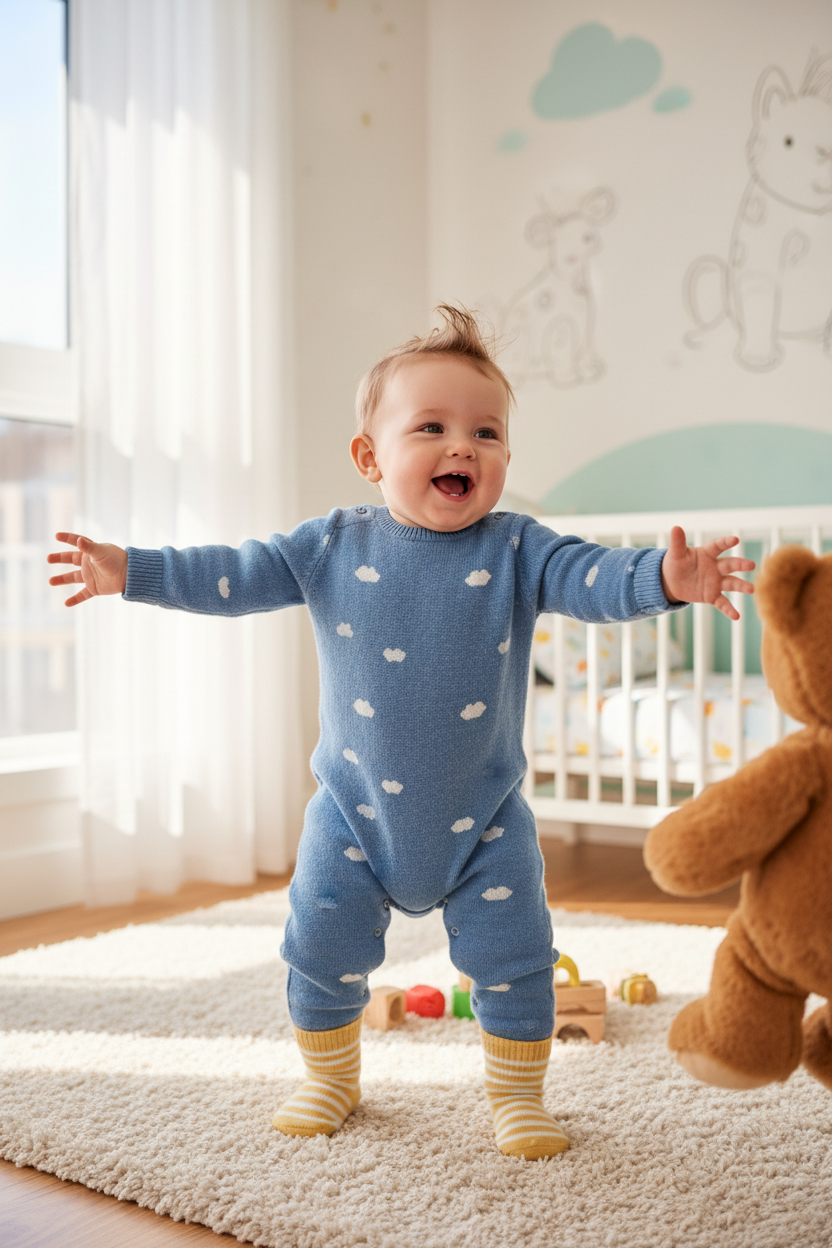
We begin every AI baby dance video from a single image. You can upload a baby photo, pet photo, or any portrait. For best results, we recommend full-body images where the face, arms, and legs are clearly visible, as this helps our AI baby dance generator create more stable motion.
Click Generate in the AI Baby Dance Video Generator
Once your photo is uploaded, you simply click generate. Our AI baby dance video generator automatically applies the built-in baby dance motion and produces a complete baby dance video with synced movement and music. You don’t need to write any baby dance video prompt or adjust settings.
Download and Share Your Baby Dance Video
After generation, you can preview your AI baby dance video directly on AIVideoGenerator.me. If you’re happy with the result, you can download the baby dance video and use it on social platforms or keep it for personal use.
See How Baby Dance Videos Turn Out
Cute Baby Dance Video from a Single Photo
A single baby photo can be transformed into a cute baby dance video with smooth motion and built-in music. Facial features remain clear, movement feels continuous, and the result looks complete without additional editing.
AI Baby Dance Video Created from a Pet Photo
Pet photos can also be used to generate playful AI baby dance videos. Even with a different type of subject, the motion remains coherent and the overall video still feels visually stable.
Funny Baby Dance Video Generated from an Adult Portrait
Adult portraits often lead to unexpected and humorous baby dance video results. This type of output is commonly used for memes, creative experiments, or light social sharing.
Custom Baby Dance Video Using an Uploaded Dance Clip
Rather than depending only on default motion presets, users can upload a dance video to guide the generation process. This makes it easier to shape the rhythm, movement style, and overall performance while keeping the workflow simple and accessible. For creators who want to take motion-driven video creation even further, HappyHorse 1.0 can also be a strong option for generating more cinematic AI videos with richer movement, sound, and scene control.
Small Details That Make Baby Dance Results Feel More Natural
Follow these helpful tips to get the most out of our platform.
Use full-body photos whenever possible
Photos where the face, arms, and legs are clearly visible usually produce more stable baby dance videos. Cropped or partially hidden bodies can limit motion quality.
Start with the built-in baby dance motion
The default baby dance works best for single-person images and is the easiest way to get consistent results before trying custom dance videos.
Match the number of people between photo and video
When using an uploaded dance video, results tend to look more natural if the number of people in the photo matches the number of dancers in the reference clip.
Choose clear lighting and simple backgrounds
Images with good lighting and less visual clutter help the AI maintain cleaner edges and more coherent motion in the final baby dance video.
Try custom dance videos for different vibes
Uploading a personal dance clip allows experimentation with rhythm, mood, and style, making each baby dance video feel more unique than the default motion.